McDewey
/mcpPage 105
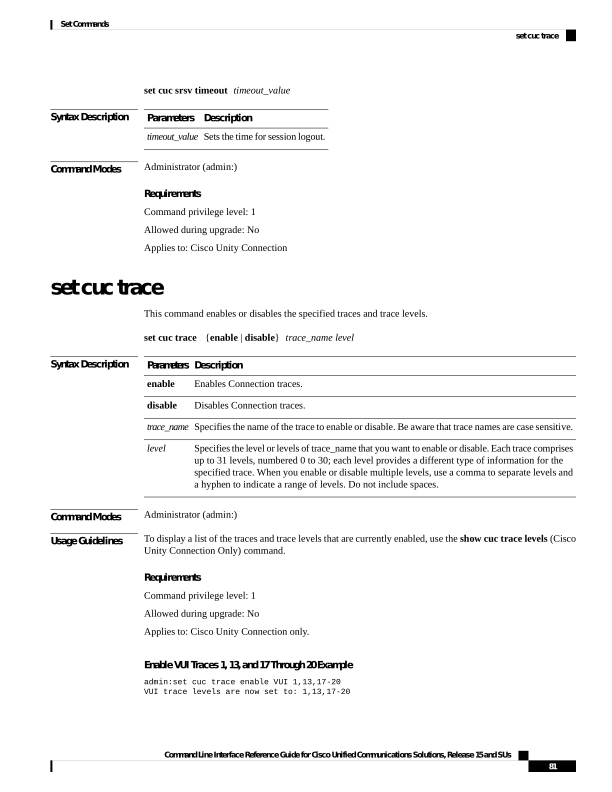
↗ View in doc contextset cuc srsv timeout timeout_value Syntax Description Description Parameters Sets the time for session logout. timeout_value Command Modes Administrator (admin:) Requirements Command privilege level: 1 Allowed during upgrade: No Applies to: Cisco Unity Connection set cuc trace This command enables or disables the specified traces and trace levels. set cuc trace {enable | disable} trace_name level Syntax Description Description Parameters Enables Connection traces. enable Disables Connection traces. disable Specifies the name of the trace to enable or disable. Be aware that trace names are case sensitive. trace_name Specifies the level or levels of trace_name that you want to enable or disable. Each trace comprises up to 31 levels, numbered 0 to 30; each level provides a different type of information for the specified trace. When you enable or disable multiple levels, use a comma to separate levels and a hyphen to indicate a range of levels. Do not include spaces. level Command Modes Administrator (admin:) Usage Guidelines To display a list of the traces and trace levels that are currently enabled, use the show cuc trace levels (Cisco Unity Connection Only) command. Requirements Command privilege level: 1 Allowed during upgrade: No Applies to: Cisco Unity Connection only. Enable VUI Traces 1, 13, and 17 Through 20 Example admin:set cuc trace enable VUI 1,13,17-20 VUI trace levels are now set to: 1,13,17-20 Command Line Interface Reference Guide for Cisco Unified Communications Solutions, Release 15 and SUs 81 Set Commands set cuc trace