McDewey
/mcpPage 104
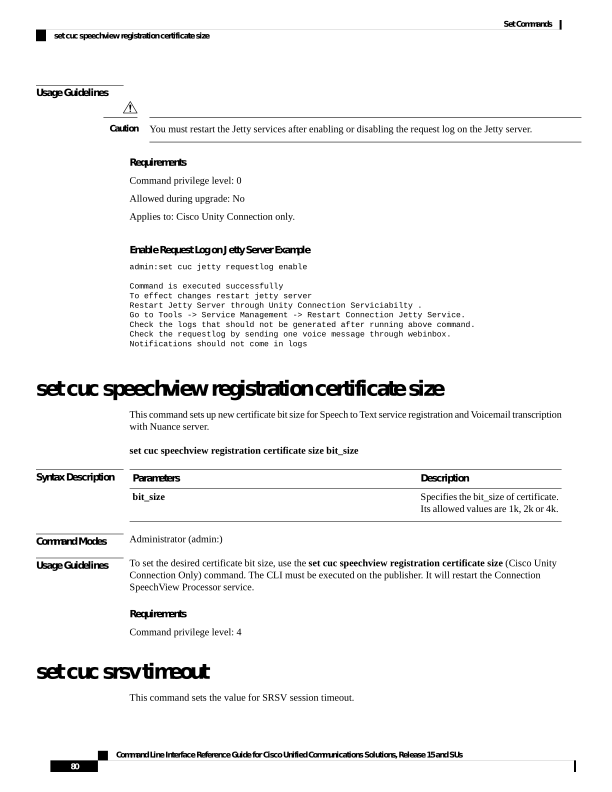
↗ View in doc contextUsage Guidelines You must restart the Jetty services after enabling or disabling the request log on the Jetty server. Caution Requirements Command privilege level: 0 Allowed during upgrade: No Applies to: Cisco Unity Connection only. Enable Request Log on Jetty Server Example admin:set cuc jetty requestlog enable Command is executed successfully To effect changes restart jetty server Restart Jetty Server through Unity Connection Serviciabilty . Go to Tools -> Service Management -> Restart Connection Jetty Service. Check the logs that should not be generated after running above command. Check the requestlog by sending one voice message through webinbox. Notifications should not come in logs set cuc speechview registration certificate size This command sets up new certificate bit size for Speech to Text service registration and Voicemail transcription with Nuance server. set cuc speechview registration certificate size bit_size Syntax Description Description Parameters Specifies the bit_size of certificate. Its allowed values are 1k, 2k or 4k. bit_size Command Modes Administrator (admin:) Usage Guidelines To set the desired certificate bit size, use the set cuc speechview registration certificate size (Cisco Unity Connection Only) command. The CLI must be executed on the publisher. It will restart the Connection SpeechView Processor service. Requirements Command privilege level: 4 set cuc srsv timeout This command sets the value for SRSV session timeout. Command Line Interface Reference Guide for Cisco Unified Communications Solutions, Release 15 and SUs 80 Set Commands set cuc speechview registration certificate size