McDewey
/mcpPage 638
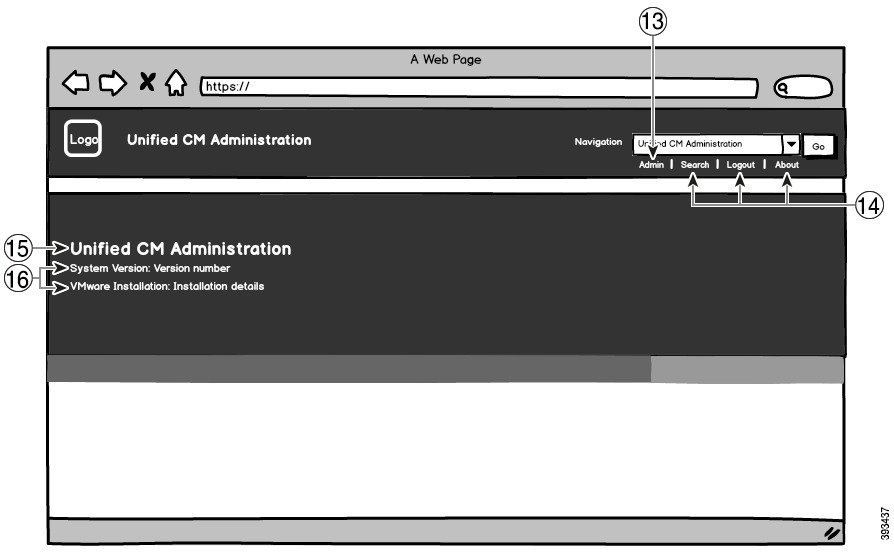
↗ View in doc contextFigure 11: Branding Options for Unified CM Administration Logged In Screen The following table describes the callout options. Table 53: User Interface Branding Options: Login Screen Branding edits Description Item To add your logo to Cisco Unified Communications Manager, save your company logo as a 44x44 pixel image with the following filename: ciscoLogo12pxMargin.gif (44*44 pixels) Note If you also want to append your logo to the header and login screen of the Self-Care Portal, you should also save your logo as the 44x25 pixel branding_logo.png file. Company Logo 1 heading.heading.color Unified CM Administration header font color 2 Feature Configuration Guide for Cisco Unified Communications Manager, Release 15 and SUs 596 Custom Features Branding File Requirements