McDewey
/mcpPage 85
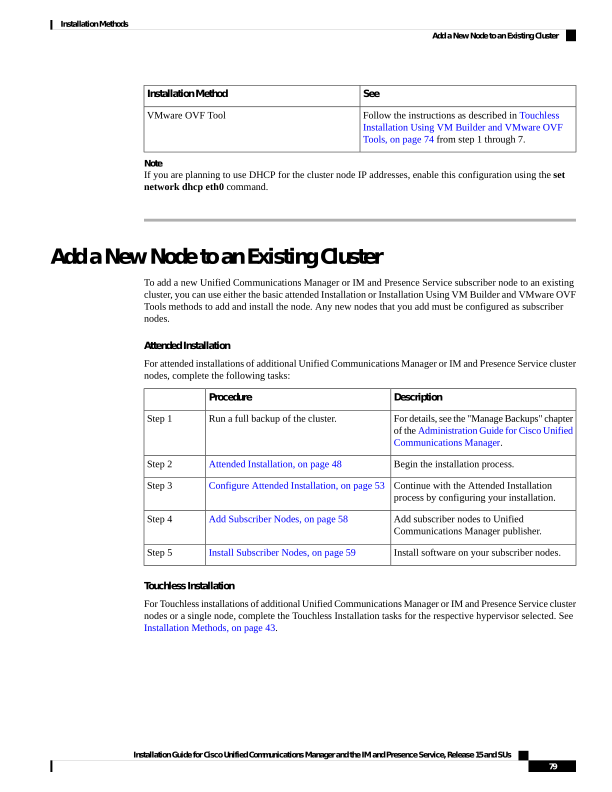
↗ View in doc contextSee Installation Method Follow the instructions as described in Touchless Installation Using VM Builder and VMware OVF Tools, on page 74 from step 1 through 7. VMware OVF Tool Note If you are planning to use DHCP for the cluster node IP addresses, enable this configuration using the set network dhcp eth0 command. Add a New Node to an Existing Cluster To add a new Unified Communications Manager or IM and Presence Service subscriber node to an existing cluster, you can use either the basic attended Installation or Installation Using VM Builder and VMware OVF Tools methods to add and install the node. Any new nodes that you add must be configured as subscriber nodes. Attended Installation For attended installations of additional Unified Communications Manager or IM and Presence Service cluster nodes, complete the following tasks: Description Procedure For details, see the "Manage Backups" chapter of the Administration Guide for Cisco Unified Communications Manager. Run a full backup of the cluster. Step 1 Begin the installation process. Attended Installation, on page 48 Step 2 Continue with the Attended Installation process by configuring your installation. Configure Attended Installation, on page 53 Step 3 Add subscriber nodes to Unified Communications Manager publisher. Add Subscriber Nodes, on page 58 Step 4 Install software on your subscriber nodes. Install Subscriber Nodes, on page 59 Step 5 Touchless Installation For Touchless installations of additional Unified Communications Manager or IM and Presence Service cluster nodes or a single node, complete the Touchless Installation tasks for the respective hypervisor selected. See Installation Methods, on page 43. Installation Guide for Cisco Unified Communications Manager and the IM and Presence Service, Release 15 and SUs 79 Installation Methods Add a New Node to an Existing Cluster