McDewey
/mcpPage 84
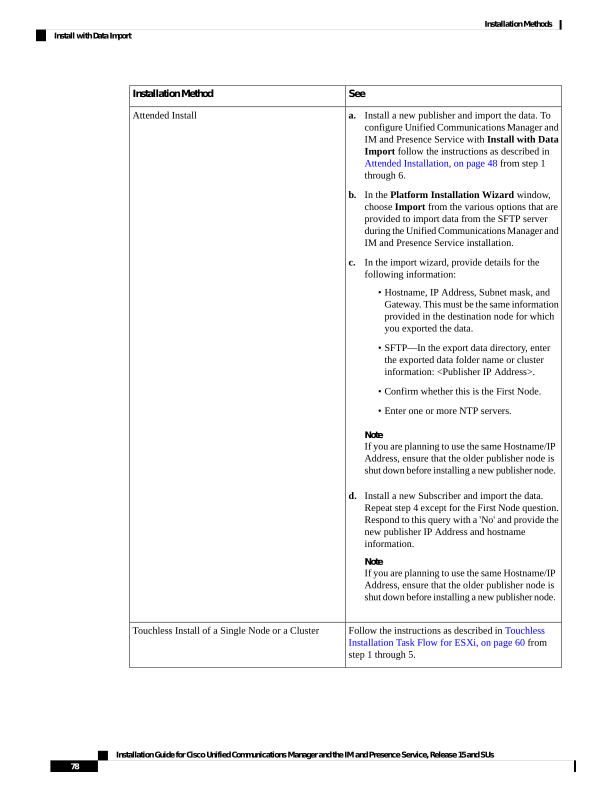
↗ View in doc contextSee Installation Method a. Install a new publisher and import the data. To configure Unified Communications Manager and IM and Presence Service with Install with Data Import follow the instructions as described in Attended Installation, on page 48 from step 1 through 6. b. In the Platform Installation Wizard window, choose Import from the various options that are provided to import data from the SFTP server during the Unified Communications Manager and IM and Presence Service installation. c. In the import wizard, provide details for the following information: • Hostname, IP Address, Subnet mask, and Gateway. This must be the same information provided in the destination node for which you exported the data. • SFTP—In the export data directory, enter the exported data folder name or cluster information: <Publisher IP Address>. • Confirm whether this is the First Node. • Enter one or more NTP servers. Note If you are planning to use the same Hostname/IP Address, ensure that the older publisher node is shut down before installing a new publisher node. d. Install a new Subscriber and import the data. Repeat step 4 except for the First Node question. Respond to this query with a 'No' and provide the new publisher IP Address and hostname information. Note If you are planning to use the same Hostname/IP Address, ensure that the older publisher node is shut down before installing a new publisher node. Attended Install Follow the instructions as described in Touchless Installation Task Flow for ESXi, on page 60 from step 1 through 5. Touchless Install of a Single Node or a Cluster Installation Guide for Cisco Unified Communications Manager and the IM and Presence Service, Release 15 and SUs 78 Installation Methods Install with Data Import