McDewey
/mcpPage 19
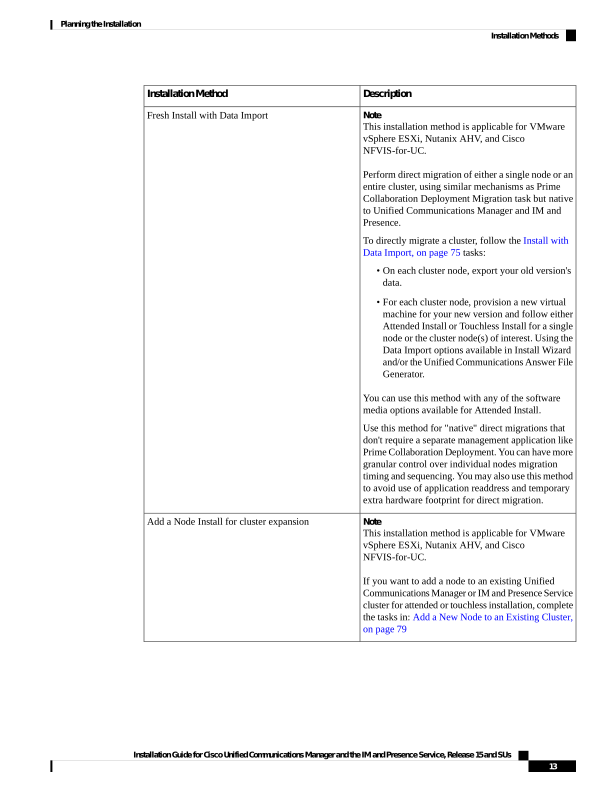
↗ View in doc contextDescription Installation Method Note This installation method is applicable for VMware vSphere ESXi, Nutanix AHV, and Cisco NFVIS-for-UC. Perform direct migration of either a single node or an entire cluster, using similar mechanisms as Prime Collaboration Deployment Migration task but native to Unified Communications Manager and IM and Presence. To directly migrate a cluster, follow the Install with Data Import, on page 75 tasks: • On each cluster node, export your old version's data. • For each cluster node, provision a new virtual machine for your new version and follow either Attended Install or Touchless Install for a single node or the cluster node(s) of interest. Using the Data Import options available in Install Wizard and/or the Unified Communications Answer File Generator. You can use this method with any of the software media options available for Attended Install. Use this method for "native" direct migrations that don't require a separate management application like Prime Collaboration Deployment. You can have more granular control over individual nodes migration timing and sequencing. You may also use this method to avoid use of application readdress and temporary extra hardware footprint for direct migration. Fresh Install with Data Import Note This installation method is applicable for VMware vSphere ESXi, Nutanix AHV, and Cisco NFVIS-for-UC. If you want to add a node to an existing Unified Communications Manager or IM and Presence Service cluster for attended or touchless installation, complete the tasks in: Add a New Node to an Existing Cluster, on page 79 Add a Node Install for cluster expansion Installation Guide for Cisco Unified Communications Manager and the IM and Presence Service, Release 15 and SUs 13 Planning the Installation Installation Methods