McDewey
/mcpPage 6
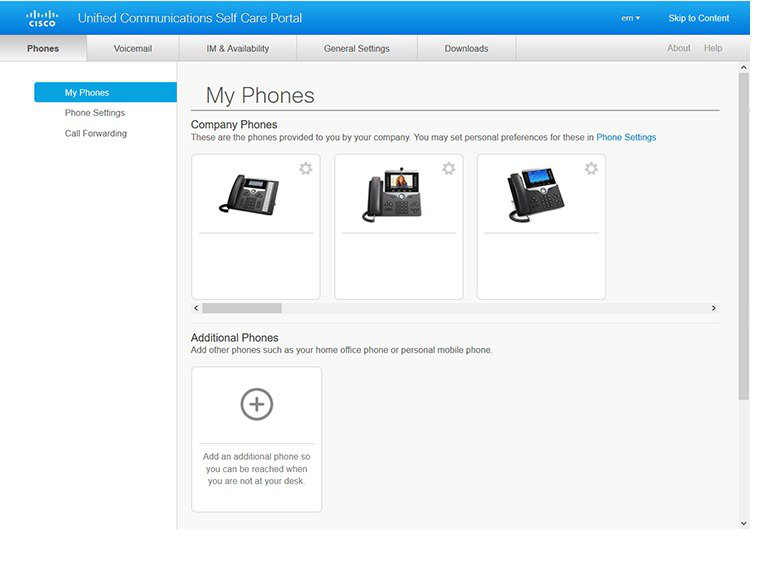
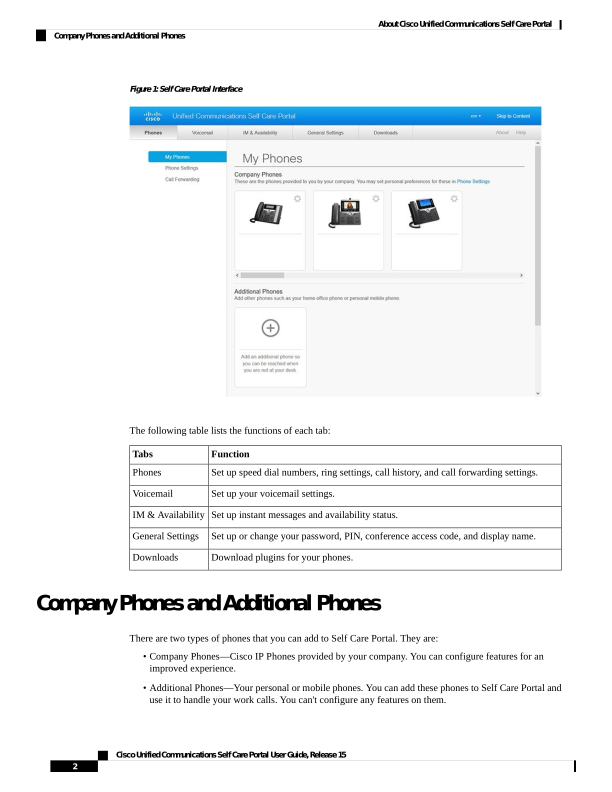
↗ View in doc contextFigure 1: Self Care Portal Interface The following table lists the functions of each tab: Function Tabs Set up speed dial numbers, ring settings, call history, and call forwarding settings. Phones Set up your voicemail settings. Voicemail Set up instant messages and availability status. IM & Availability Set up or change your password, PIN, conference access code, and display name. General Settings Download plugins for your phones. Downloads Company Phones and Additional Phones There are two types of phones that you can add to Self Care Portal. They are: • Company Phones—Cisco IP Phones provided by your company. You can configure features for an improved experience. • Additional Phones—Your personal or mobile phones. You can add these phones to Self Care Portal and use it to handle your work calls. You can't configure any features on them. Cisco Unified Communications Self Care Portal User Guide, Release 15 2 About Cisco Unified Communications Self Care Portal Company Phones and Additional Phones