McDewey
/mcpPage 7
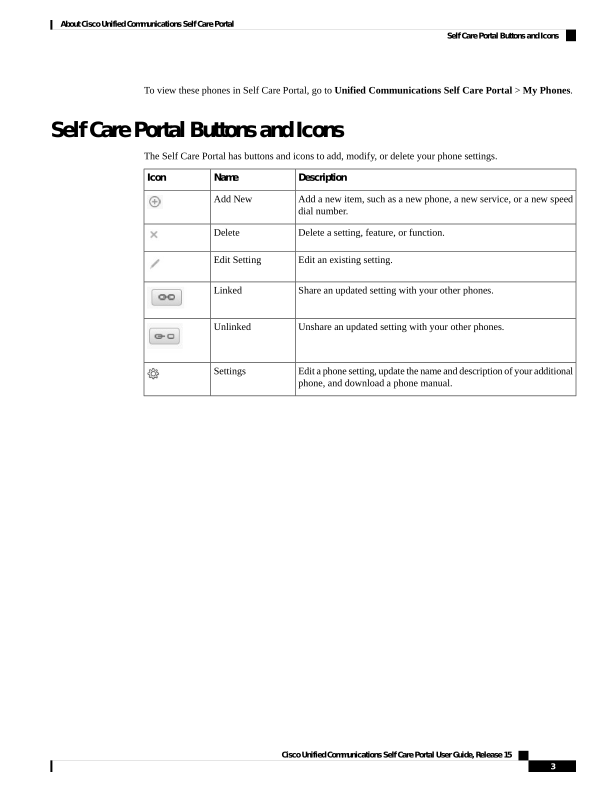
↗ View in doc contextTo view these phones in Self Care Portal, go to Unified Communications Self Care Portal > My Phones. Self Care Portal Buttons and Icons The Self Care Portal has buttons and icons to add, modify, or delete your phone settings. Description Name Icon Add a new item, such as a new phone, a new service, or a new speed dial number. Add New Delete a setting, feature, or function. Delete Edit an existing setting. Edit Setting Share an updated setting with your other phones. Linked Unshare an updated setting with your other phones. Unlinked Edit a phone setting, update the name and description of your additional phone, and download a phone manual. Settings Cisco Unified Communications Self Care Portal User Guide, Release 15 3 About Cisco Unified Communications Self Care Portal Self Care Portal Buttons and Icons