McDewey
Multi-vendor documentation library · semantic search · MCP endpoint at
/mcpPage 3
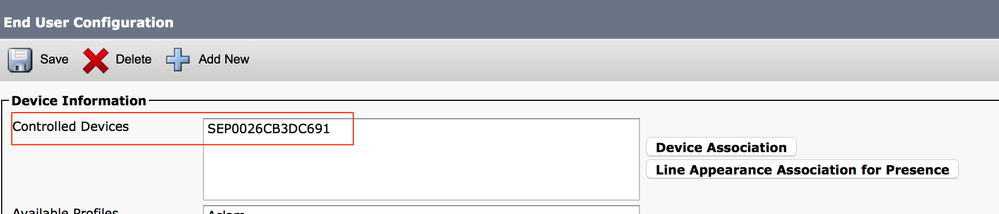
↗ View in doc contextOnce done, as shown in the image, you must see the device name in the section controlled devices. Choose the Primary extension for the device, as shown in this image: Check the Enable Mobility check box. You can also modify the Maximum Wait Time for Desk Pickup and Remote Destination Limit, if required. Moreover, the default values can be seen in the image: Remote Destination Profile Configuration Create a Remote Destination Profile (RDP) for the end user . In order to create a new RDP profile, navigate to Device > Device Settings > Remote Destination Profile > Add new.