McDewey
/mcpPage 145
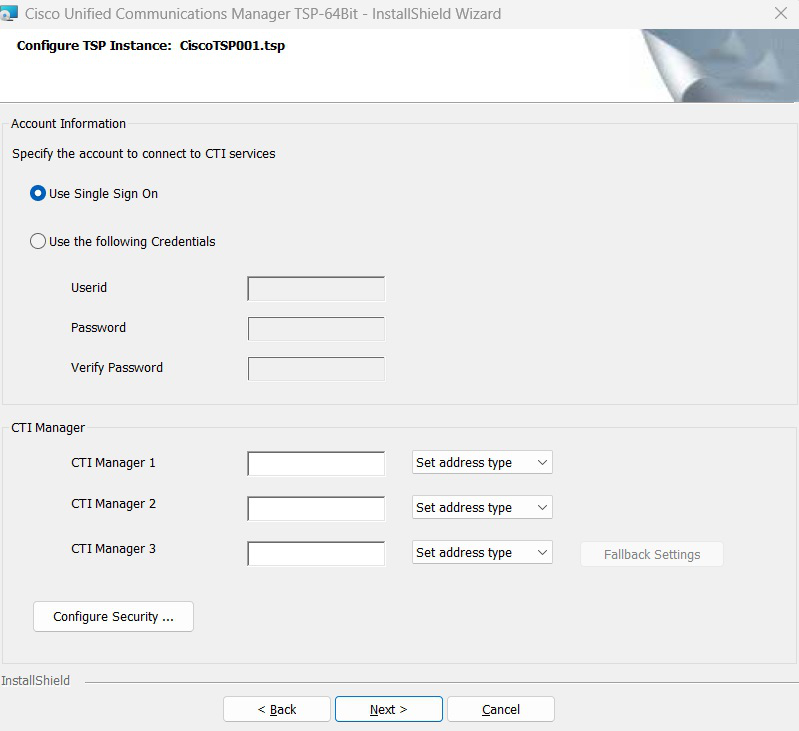
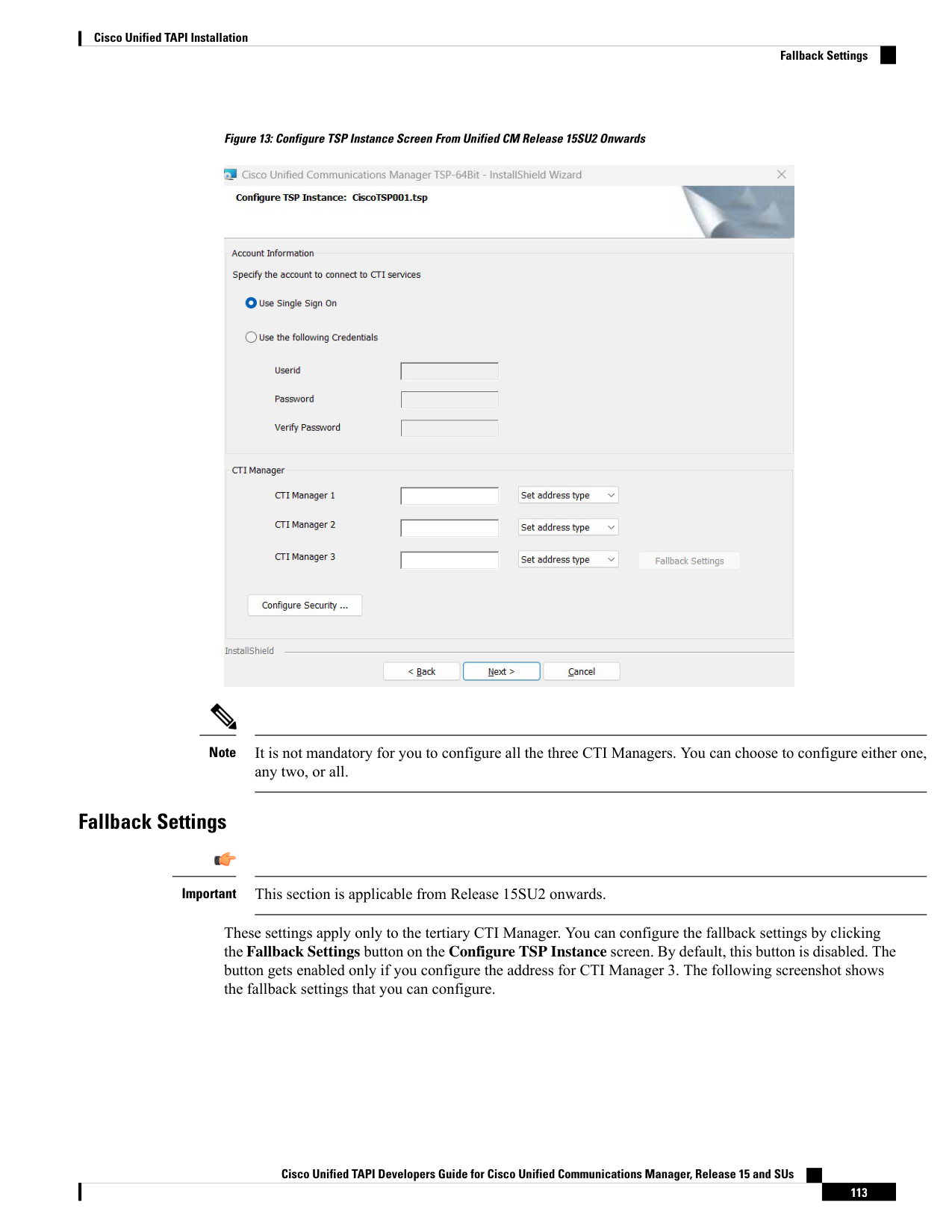
↗ View in doc contextFigure 13: Configure TSP Instance Screen From Unified CM Release 15SU2 Onwards It is not mandatory for you to configure all the three CTI Managers. You can choose to configure either one, any two, or all. Note Fallback Settings This section is applicable from Release 15SU2 onwards. Important These settings apply only to the tertiary CTI Manager. You can configure the fallback settings by clicking the Fallback Settings button on the Configure TSP Instance screen. By default, this button is disabled. The button gets enabled only if you configure the address for CTI Manager 3. The following screenshot shows the fallback settings that you can configure. Cisco Unified TAPI Developers Guide for Cisco Unified Communications Manager, Release 15 and SUs 113 Cisco Unified TAPI Installation Fallback Settings