McDewey
/mcpPage 146
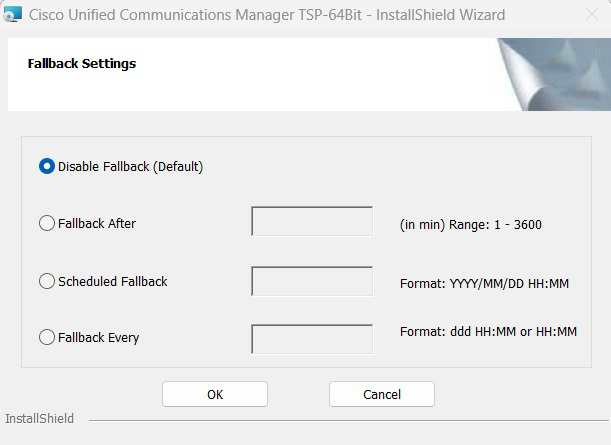
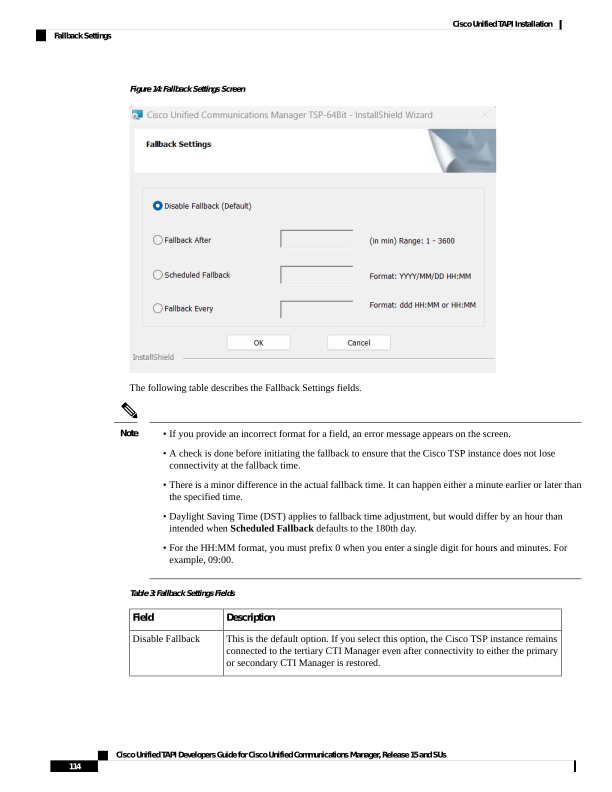
↗ View in doc contextFigure 14: Fallback Settings Screen The following table describes the Fallback Settings fields. • If you provide an incorrect format for a field, an error message appears on the screen. • A check is done before initiating the fallback to ensure that the Cisco TSP instance does not lose connectivity at the fallback time. • There is a minor difference in the actual fallback time. It can happen either a minute earlier or later than the specified time. • Daylight Saving Time (DST) applies to fallback time adjustment, but would differ by an hour than intended when Scheduled Fallback defaults to the 180th day. • For the HH:MM format, you must prefix 0 when you enter a single digit for hours and minutes. For example, 09:00. Note Table 3: Fallback Settings Fields Description Field This is the default option. If you select this option, the Cisco TSP instance remains connected to the tertiary CTI Manager even after connectivity to either the primary or secondary CTI Manager is restored. Disable Fallback Cisco Unified TAPI Developers Guide for Cisco Unified Communications Manager, Release 15 and SUs 114 Cisco Unified TAPI Installation Fallback Settings