McDewey
/mcpPage 161
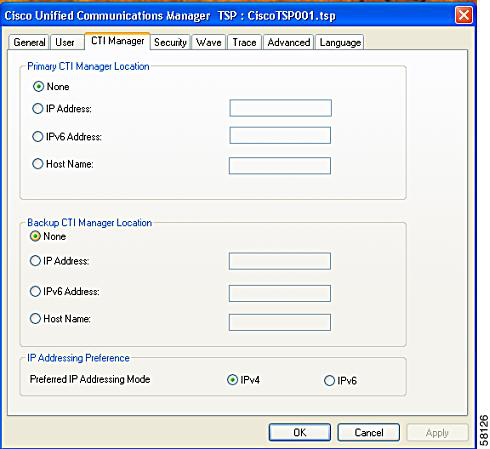
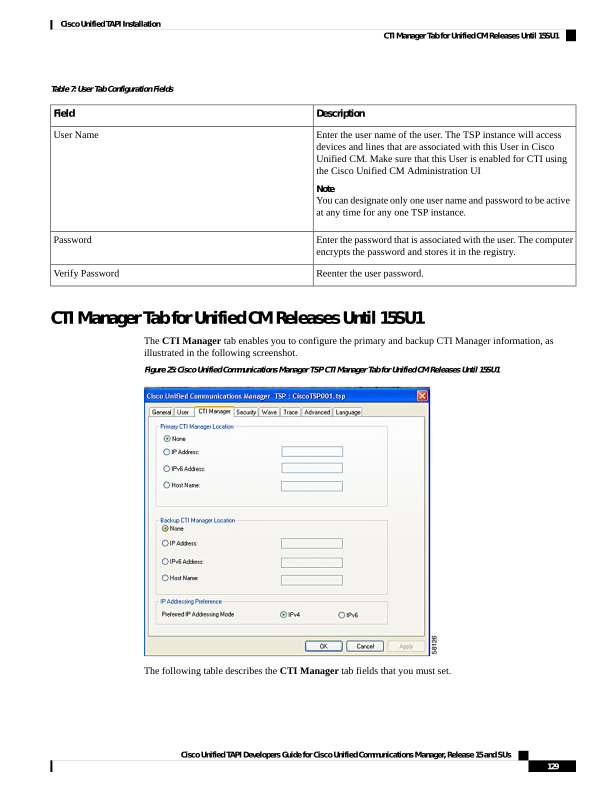
↗ View in doc contextTable 7: User Tab Configuration Fields Description Field Enter the user name of the user. The TSP instance will access devices and lines that are associated with this User in Cisco Unified CM. Make sure that this User is enabled for CTI using the Cisco Unified CM Administration UI Note You can designate only one user name and password to be active at any time for any one TSP instance. User Name Enter the password that is associated with the user. The computer encrypts the password and stores it in the registry. Password Reenter the user password. Verify Password CTI Manager Tab for Unified CM Releases Until 15SU1 The CTI Manager tab enables you to configure the primary and backup CTI Manager information, as illustrated in the following screenshot. Figure 25: Cisco Unified Communications Manager TSP CTI Manager Tab for Unified CM Releases Until 15SU1 The following table describes the CTI Manager tab fields that you must set. Cisco Unified TAPI Developers Guide for Cisco Unified Communications Manager, Release 15 and SUs 129 Cisco Unified TAPI Installation CTI Manager Tab for Unified CM Releases Until 15SU1