McDewey
Multi-vendor documentation library · semantic search · MCP endpoint at
/mcpPage 17
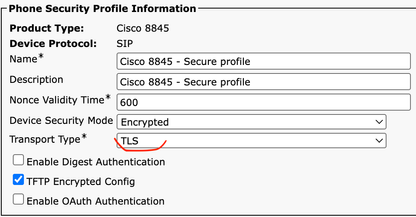
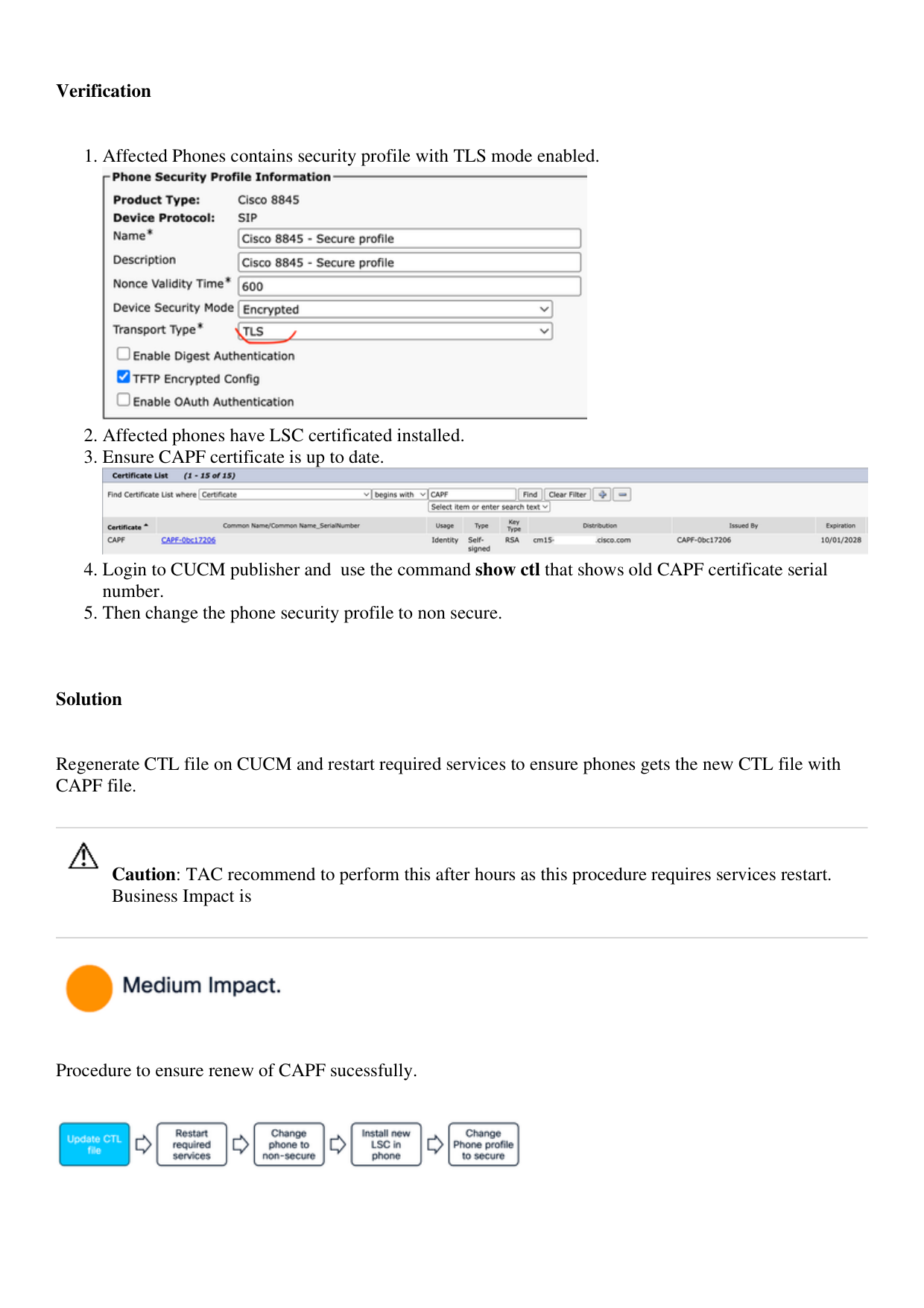
↗ View in doc contextVerification Affected Phones contains security profile with TLS mode enabled. 1. Affected phones have LSC certificated installed. 2. Ensure CAPF certificate is up to date. 3. Login to CUCM publisher and use the command show ctl that shows old CAPF certificate serial number. 4. Then change the phone security profile to non secure. 5. Solution Regenerate CTL file on CUCM and restart required services to ensure phones gets the new CTL file with CAPF file. Caution: TAC recommend to perform this after hours as this procedure requires services restart. Business Impact is Procedure to ensure renew of CAPF sucessfully.