McDewey
Multi-vendor documentation library · semantic search · MCP endpoint at
/mcpPage 7
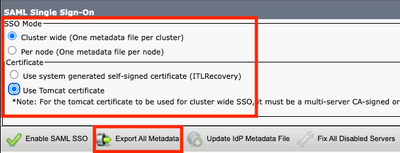
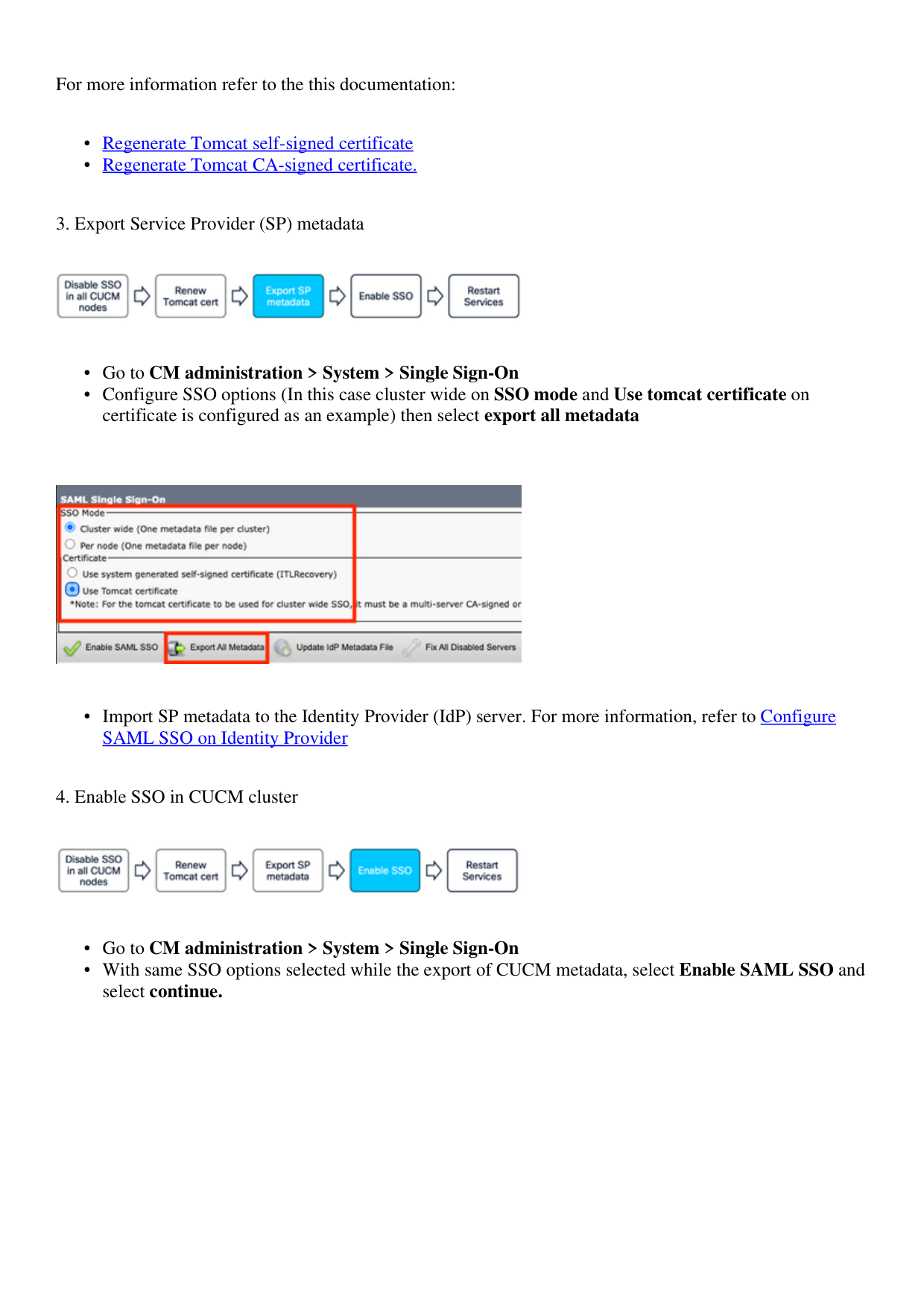
↗ View in doc contextFor more information refer to the this documentation: Regenerate Tomcat self-signed certificate • Regenerate Tomcat CA-signed certificate. • 3. Export Service Provider (SP) metadata Go to CM administration > System > Single Sign-On • Configure SSO options (In this case cluster wide on SSO mode and Use tomcat certificate on certificate is configured as an example) then select export all metadata • Import SP metadata to the Identity Provider (IdP) server. For more information, refer to Configure SAML SSO on Identity Provider • 4. Enable SSO in CUCM cluster Go to CM administration > System > Single Sign-On • With same SSO options selected while the export of CUCM metadata, select Enable SAML SSO and select continue. •