McDewey
Multi-vendor documentation library · semantic search · MCP endpoint at
/mcpPage 14
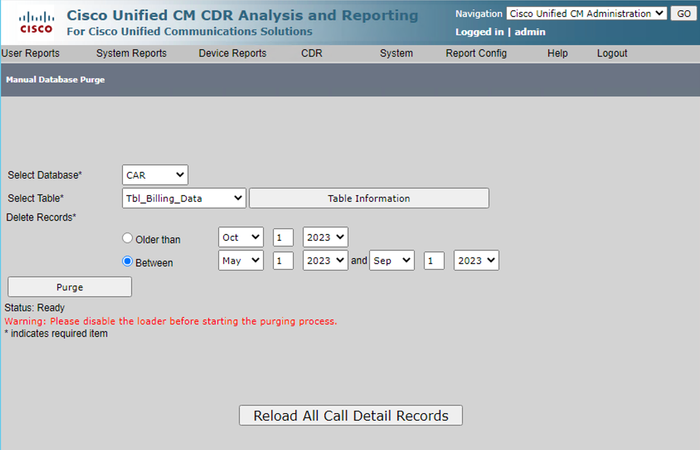
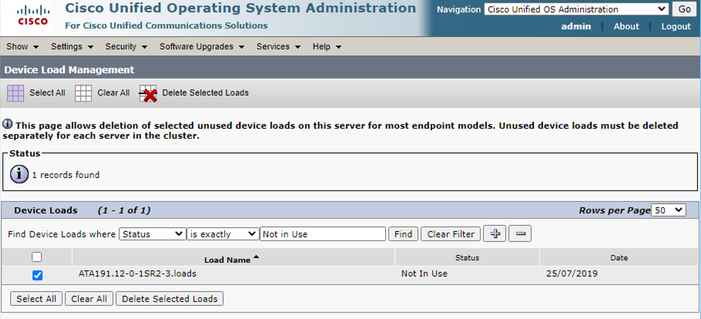
↗ View in doc contextManual Database Purge Screen Deleted Unused Phone Firmware Files For upgrade scenarios, if there is not enough space in the common partition, delete the old/unused firmware from TFTP. To do this: Navigate to Cisco Unified OS Administration > Software Upgrades > Device Load Management. 1. Apply a filter Find Device Loads where > Status > is exactly > Not In Use > Find. 2. Delete all the device loads with the status Not In Use. 3.