McDewey
/mcpPage 12
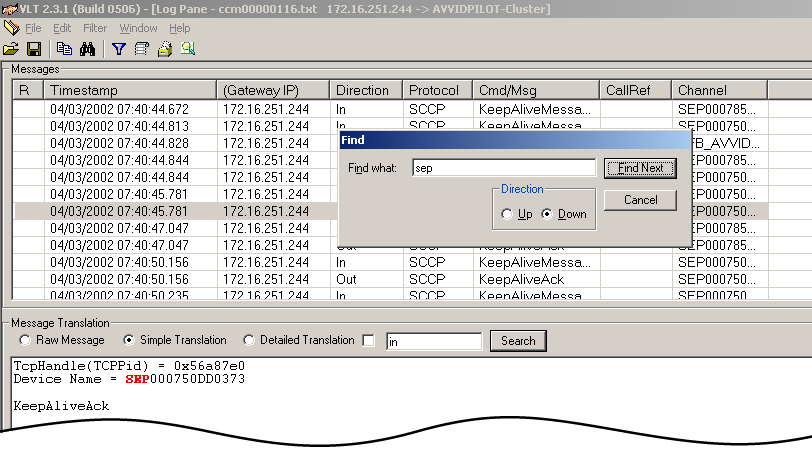
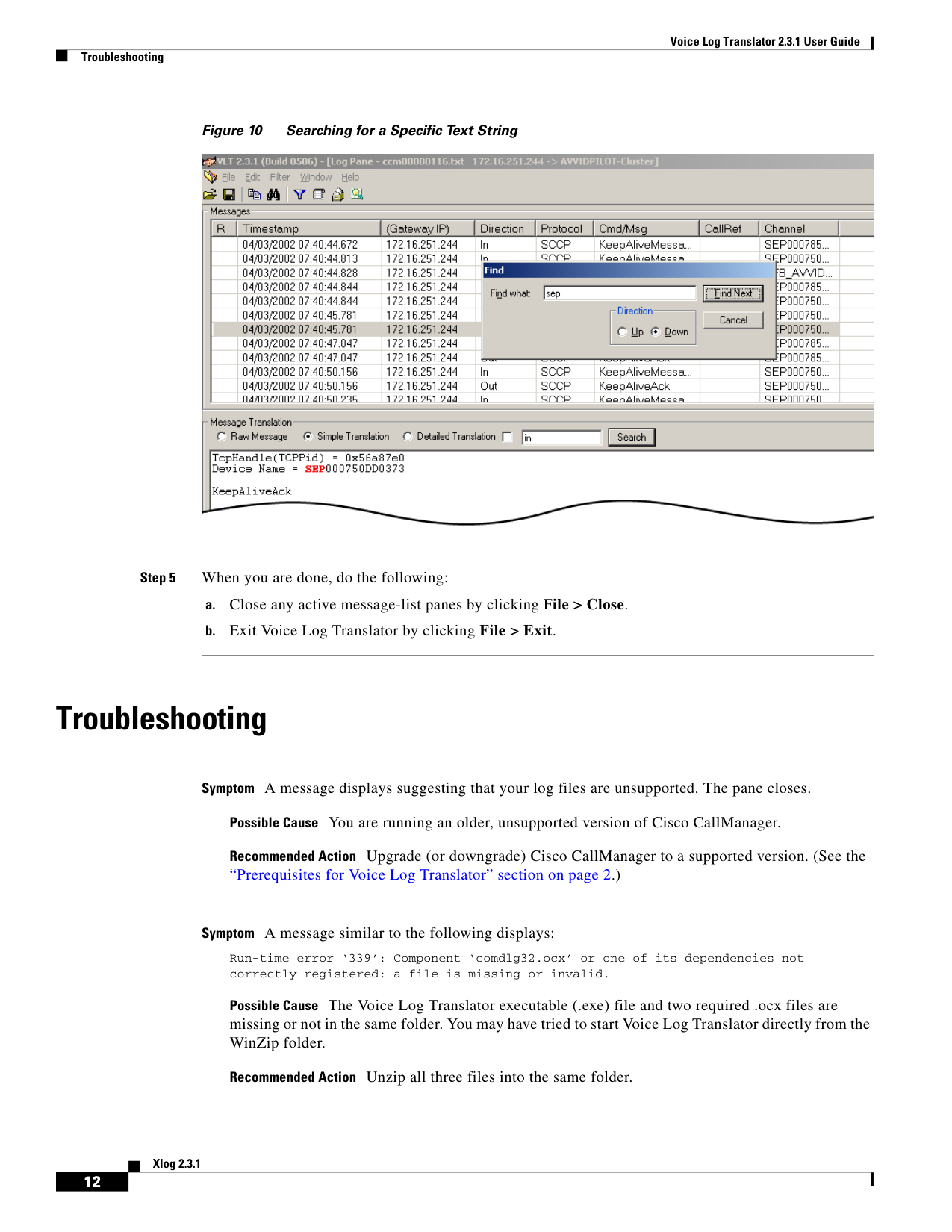
↗ View in doc contextVoice Log Translator 2.3.1 User Guide Troubleshooting 12 Xlog 2.3.1 Figure 10 Searching for a Specific Text String Step 5 When you are done, do the following: a. Close any active message-list panes by clicking File > Close. b. Exit Voice Log Translator by clicking File > Exit. Troubleshooting Symptom A message displays suggesting that your log files are unsupported. The pane closes. Possible Cause You are running an older, unsupported version of Cisco CallManager. Recommended Action Upgrade (or downgrade) Cisco CallManager to a supported version. (See the “Prerequisites for Voice Log Translator” section on page 2.) Symptom A message similar to the following displays: Run-time error ‘339’: Component ‘comdlg32.ocx’ or one of its dependencies not correctly registered: a file is missing or invalid. Possible Cause The Voice Log Translator executable (.exe) file and two required .ocx files are missing or not in the same folder. You may have tried to start Voice Log Translator directly from the WinZip folder. Recommended Action Unzip all three files into the same folder.