McDewey
/mcpPage 5
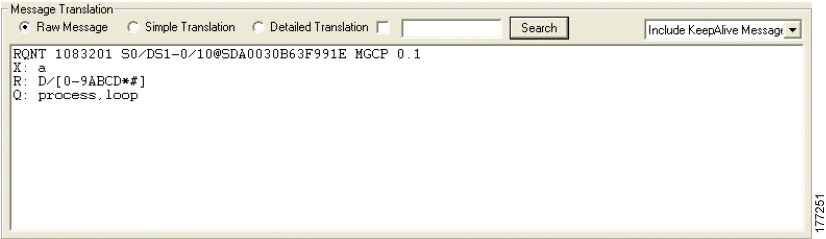
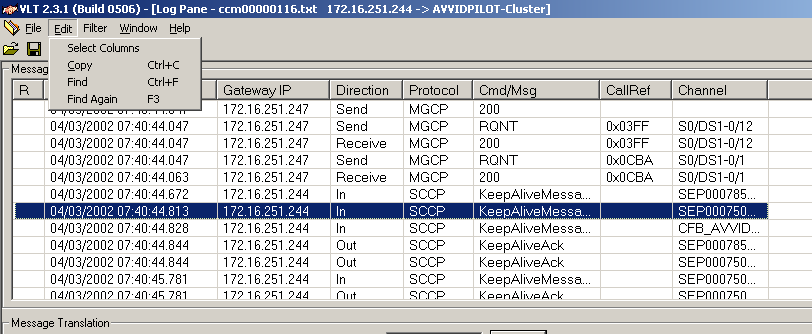
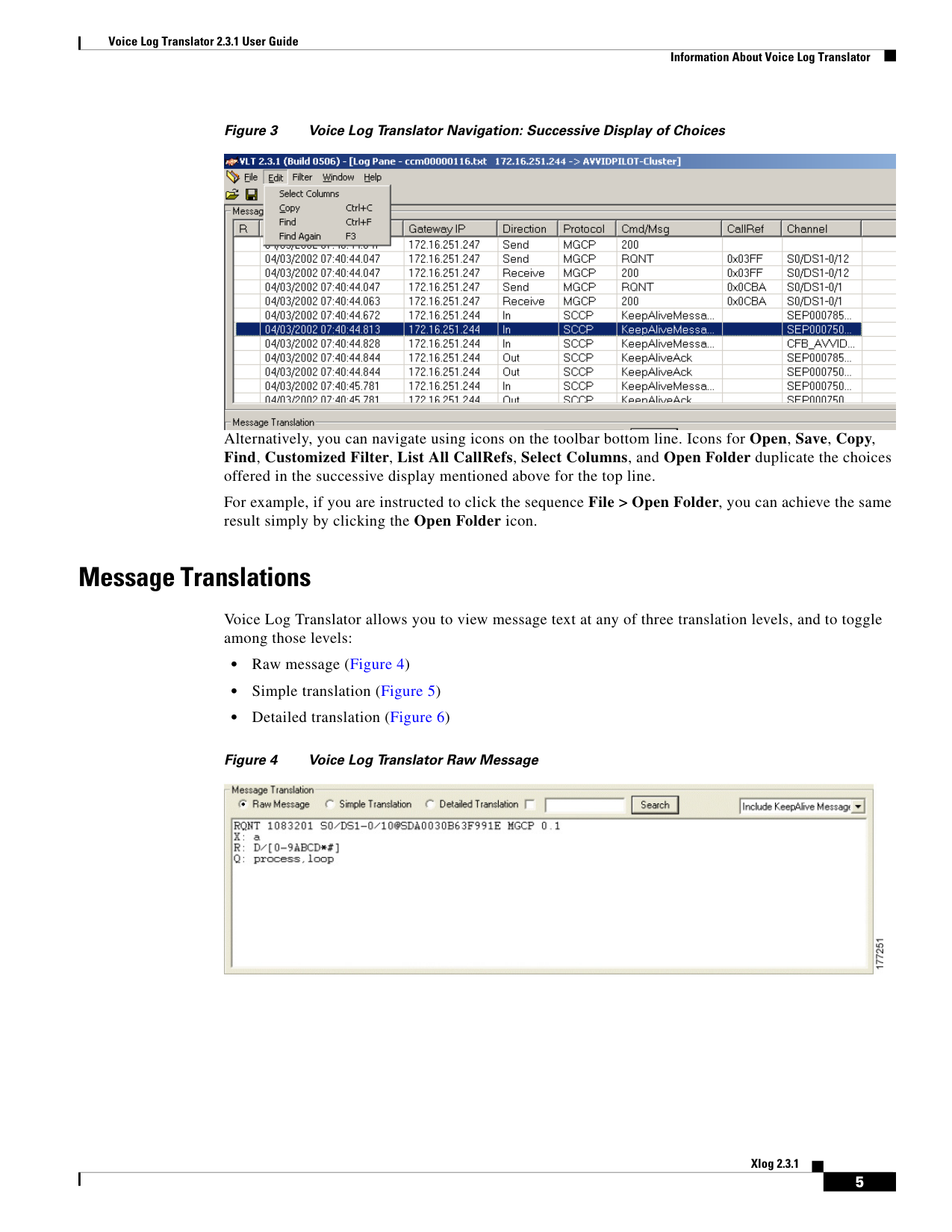
↗ View in doc contextVoice Log Translator 2.3.1 User Guide Information About Voice Log Translator 5 Xlog 2.3.1 Figure 3 Voice Log Translator Navigation: Successive Display of Choices Alternatively, you can navigate using icons on the toolbar bottom line. Icons for Open, Save, Copy, Find, Customized Filter, List All CallRefs, Select Columns, and Open Folder duplicate the choices offered in the successive display mentioned above for the top line. For example, if you are instructed to click the sequence File > Open Folder, you can achieve the same result simply by clicking the Open Folder icon. Message Translations Voice Log Translator allows you to view message text at any of three translation levels, and to toggle among those levels: • Raw message (Figure 4) • Simple translation (Figure 5) • Detailed translation (Figure 6) Figure 4 Voice Log Translator Raw Message