McDewey
/mcpPage 34
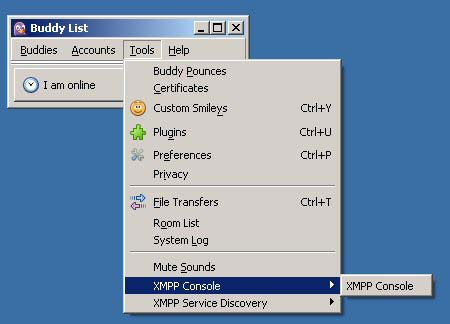
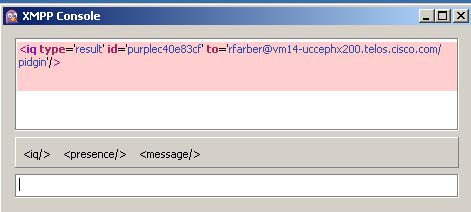
↗ View in doc contextFigure 5: Open XMPP Console in Pidgin The agent must be signed in to Finesse through Postman or the browser interface to be signed in to the XMPP account on Pidgin. Note The XMPP Console window immediately begins to update every few seconds with iq type statements. The window does not display an event message until an event occurs. If the XMPP Console window fills with iq type notifications and becomes difficult to navigate, close and reopen it to refresh with a clean window. Figure 6: The XMPP Console Window Adium for Mac OS X Adium is a free open source instant messaging application for Mac OS X. You can use Adium to establish an XMPP connection and view XMPP messages published by the Cisco Finesse Notification Service. You can download Adium from https://www.adium.im. Perform the following steps to configure XMPP: 1. In Adium go to Preferences > Account > '+' > XMPP (Jabber). Cisco Finesse Web Services Developer and JavaScript Guide, Release 12.5(1) 18 Lab Development Environment Validation with Cisco FinesseWeb Services APIs Adium for Mac OS X