McDewey
Multi-vendor documentation library · semantic search · MCP endpoint at
/mcpPage 35
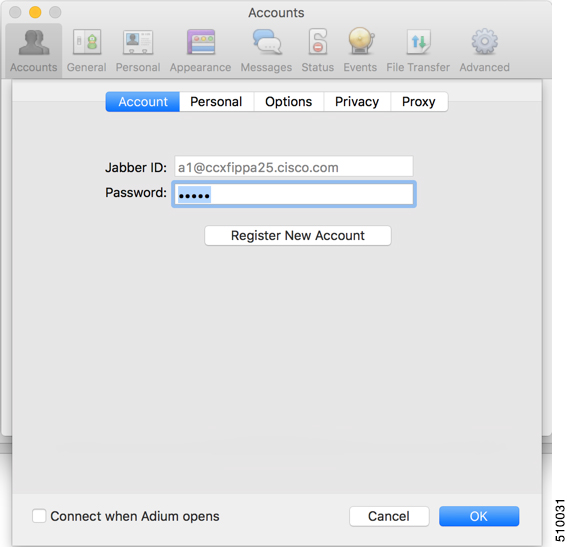
↗ View in doc contextFor Jabber ID, enter the username for the agent along with the fully qualified domain name of the Cisco Finesse server. 3. For Password, enter the password of the agent. Figure 7: The Adium Interface 4. Enable XMPP Advanced Features (Default: Off). To enable the XML Console menu run the following command in Terminal: defaults write com.adiumX.adiumX AMXMPPShowAdvanced -bool YES 5. In Adium go to File > Logged in User > XML Console. Cisco Finesse Web Services Developer and JavaScript Guide, Release 12.5(1) 19 Lab Development Environment Validation with Cisco FinesseWeb Services APIs Adium for Mac OS X