McDewey
/mcpPage 21
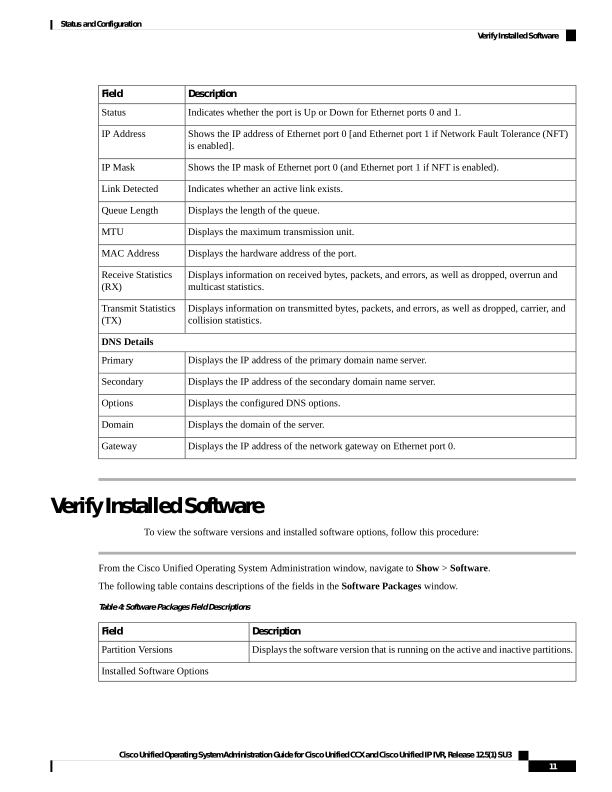
↗ View in doc contextDescription Field Indicates whether the port is Up or Down for Ethernet ports 0 and 1. Status Shows the IP address of Ethernet port 0 [and Ethernet port 1 if Network Fault Tolerance (NFT) is enabled]. IP Address Shows the IP mask of Ethernet port 0 (and Ethernet port 1 if NFT is enabled). IP Mask Indicates whether an active link exists. Link Detected Displays the length of the queue. Queue Length Displays the maximum transmission unit. MTU Displays the hardware address of the port. MAC Address Displays information on received bytes, packets, and errors, as well as dropped, overrun and multicast statistics. Receive Statistics (RX) Displays information on transmitted bytes, packets, and errors, as well as dropped, carrier, and collision statistics. Transmit Statistics (TX) DNS Details Displays the IP address of the primary domain name server. Primary Displays the IP address of the secondary domain name server. Secondary Displays the configured DNS options. Options Displays the domain of the server. Domain Displays the IP address of the network gateway on Ethernet port 0. Gateway Verify Installed Software To view the software versions and installed software options, follow this procedure: From the Cisco Unified Operating System Administration window, navigate to Show > Software. The following table contains descriptions of the fields in the Software Packages window. Table 4: Software Packages Field Descriptions Description Field Displays the software version that is running on the active and inactive partitions. Partition Versions Installed Software Options Cisco Unified Operating System Administration Guide for Cisco Unified CCX and Cisco Unified IP IVR, Release 12.5(1) SU3 11 Status and Configuration Verify Installed Software