McDewey
Multi-vendor documentation library · semantic search · MCP endpoint at
/mcpPage 52
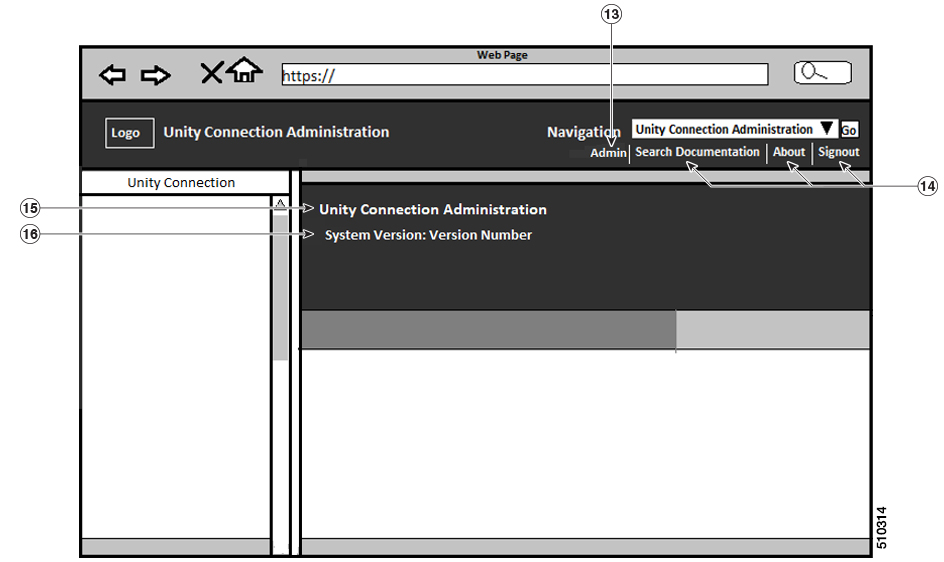
↗ View in doc contextFigure 2: Branding Options for Cisco Unity Connection Administration Logged in Screen The following table describes the items that can be modified: Branding edits Description Item To add your logo to Cisco Unity Connection, save your company logo as a 4444 pixel image with the following filename: ciscoLogo12pxMargin.gif (4444 pixels) To add your logo to Web Inbox and Mini Inbox, save your company logo as a 44*25 pixel image with the following filename: Note branding_logo.png Company Logo 1 heading.heading.color Cisco Unity Connection Administration header font color 2 Cisco Unified Communications Operating System Administration Guide for Cisco Unity Connection Release 15 46 Software Upgrades User Interface Branding Options