McDewey
Multi-vendor documentation library · semantic search · MCP endpoint at
/mcpPage 4
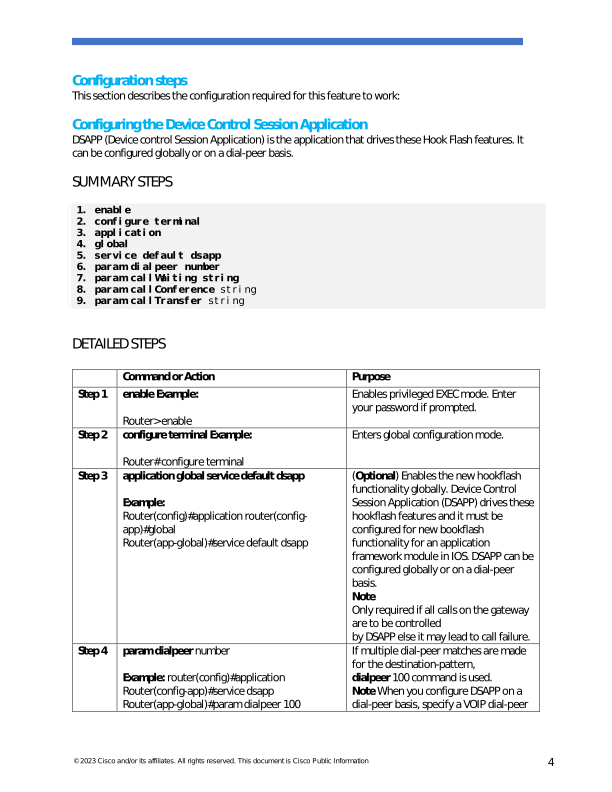
↗ View in doc context© 2023 Cisco and/or its affiliates. All rights reserved. This document is Cisco Public Information 4 Configuration steps This section describes the configuration required for this feature to work: Configuring the Device Control Session Application DSAPP (Device control Session Application) is the application that drives these Hook Flash features. It can be configured globally or on a dial-peer basis. SUMMARY STEPS
- enable
- configure terminal
- application
- global
- service default dsapp
- param dialpeer number
- param callWaiting string
- param callConference string
- param callTransfer string DETAILED STEPS Command or Action Purpose Step 1 enable Example: Router> enable Enables privileged EXEC mode. Enter your password if prompted. Step 2 configure terminal Example: Router# configure terminal Enters global configuration mode. Step 3 application global service default dsapp Example: Router(config)#application router(config- app)#global Router(app-global)#service default dsapp (Optional) Enables the new hookflash functionality globally. Device Control Session Application (DSAPP) drives these hookflash features and it must be configured for new bookflash functionality for an application framework module in IOS. DSAPP can be configured globally or on a dial-peer basis. Note Only required if all calls on the gateway are to be controlled by DSAPP else it may lead to call failure. Step 4 param dialpeer number Example: router(config)#application Router(config-app)#service dsapp Router(app-global)#param dialpeer 100 If multiple dial-peer matches are made for the destination-pattern, dialpeer 100 command is used. Note When you configure DSAPP on a dial-peer basis, specify a VOIP dial-peer