McDewey
/mcpPage 5
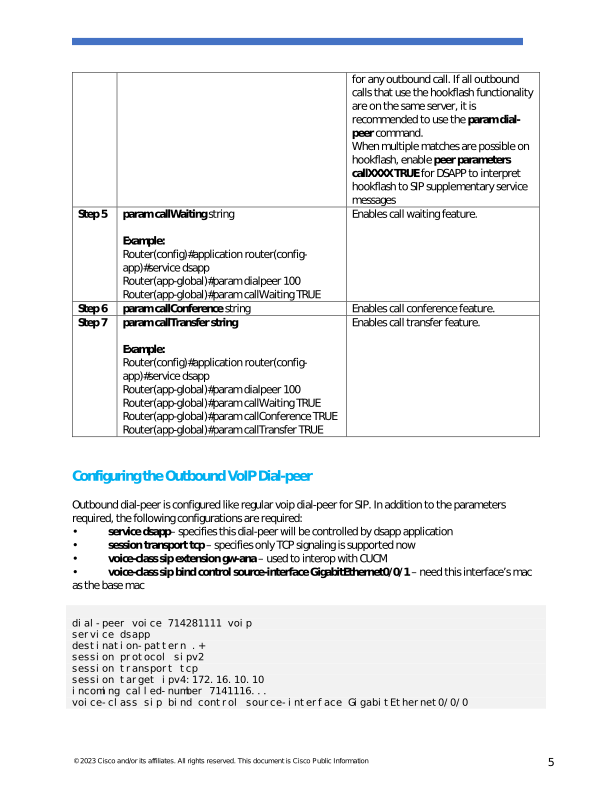
↗ View in doc context© 2023 Cisco and/or its affiliates. All rights reserved. This document is Cisco Public Information 5 for any outbound call. If all outbound calls that use the hookflash functionality are on the same server, it is recommended to use the param dial- peer command. When multiple matches are possible on hookflash, enable peer parameters callXXXX TRUE for DSAPP to interpret hookflash to SIP supplementary service messages Step 5 param callWaiting string Example: Router(config)#application router(config- app)#service dsapp Router(app-global)#param dialpeer 100 Router(app-global)#param callWaiting TRUE Enables call waiting feature. Step 6 param callConference string Enables call conference feature. Step 7 param callTransfer string Example: Router(config)#application router(config- app)#service dsapp Router(app-global)#param dialpeer 100 Router(app-global)#param callWaiting TRUE Router(app-global)#param callConference TRUE Router(app-global)#param callTransfer TRUE Enables call transfer feature. Configuring the Outbound VoIP Dial-peer Outbound dial-peer is configured like regular voip dial-peer for SIP. In addition to the parameters required, the following configurations are required: • service dsapp– specifies this dial-peer will be controlled by dsapp application • session transport tcp – specifies only TCP signaling is supported now • voice-class sip extension gw-ana – used to interop with CUCM • voice-class sip bind control source-interface GigabitEthernet0/0/1 – need this interface’s mac as the base mac dial-peer voice 714281111 voip service dsapp destination-pattern .+ session protocol sipv2 session transport tcp session target ipv4:172.16.10.10 incoming called-number 7141116... voice-class sip bind control source-interface GigabitEthernet0/0/0