McDewey
/mcpPage 16
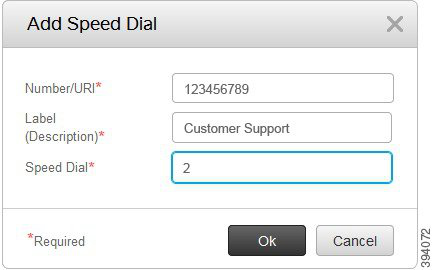
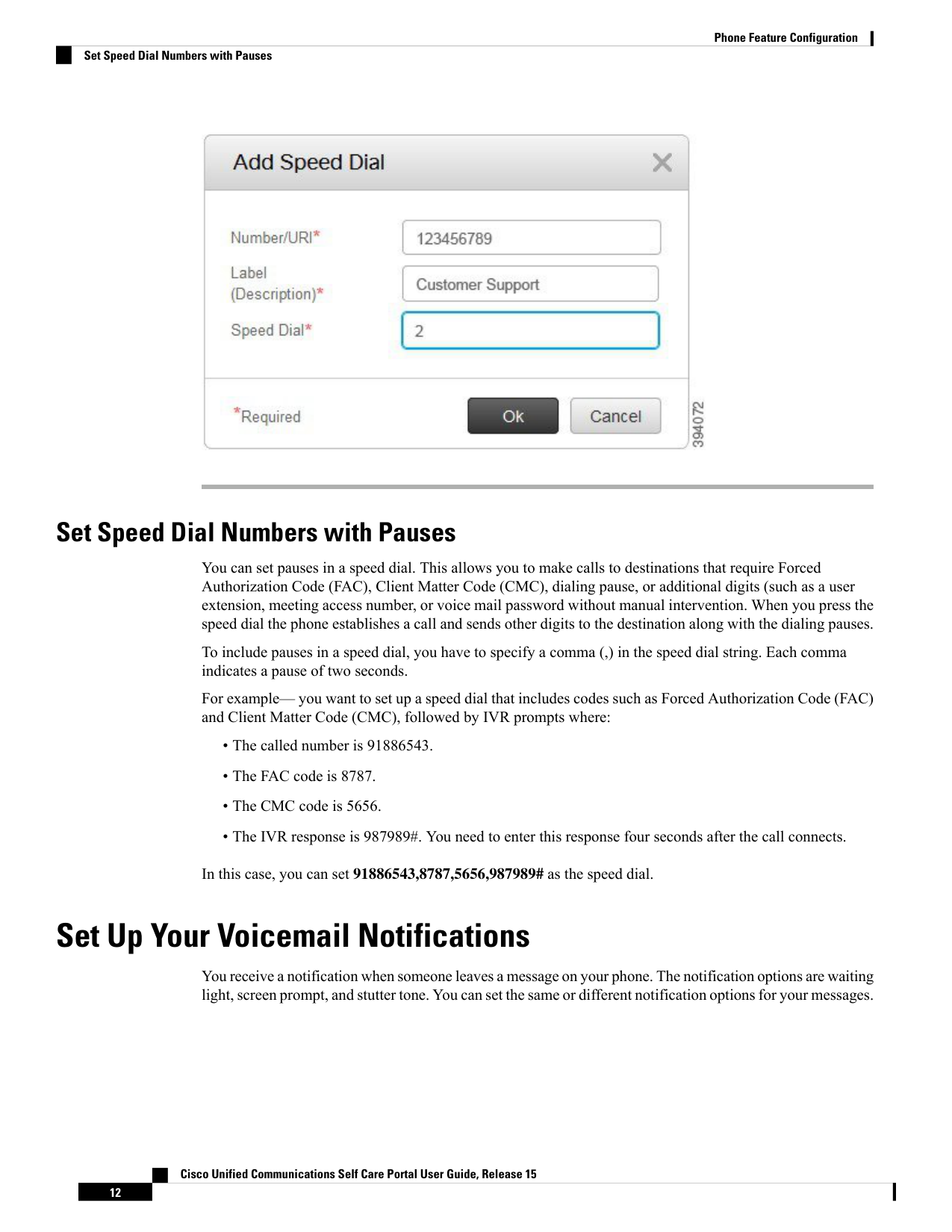
↗ View in doc contextSet Speed Dial Numbers with Pauses You can set pauses in a speed dial. This allows you to make calls to destinations that require Forced Authorization Code (FAC), Client Matter Code (CMC), dialing pause, or additional digits (such as a user extension, meeting access number, or voice mail password without manual intervention. When you press the speed dial the phone establishes a call and sends other digits to the destination along with the dialing pauses. To include pauses in a speed dial, you have to specify a comma (,) in the speed dial string. Each comma indicates a pause of two seconds. For example— you want to set up a speed dial that includes codes such as Forced Authorization Code (FAC) and Client Matter Code (CMC), followed by IVR prompts where: • The called number is 91886543. • The FAC code is 8787. • The CMC code is 5656. • The IVR response is 987989#. You need to enter this response four seconds after the call connects. In this case, you can set 91886543,8787,5656,987989# as the speed dial. Set Up Your Voicemail Notifications You receive a notification when someone leaves a message on your phone. The notification options are waiting light, screen prompt, and stutter tone. You can set the same or different notification options for your messages. Cisco Unified Communications Self Care Portal User Guide, Release 15 12 Phone Feature Configuration Set Speed Dial Numbers with Pauses