McDewey
/mcpPage 165
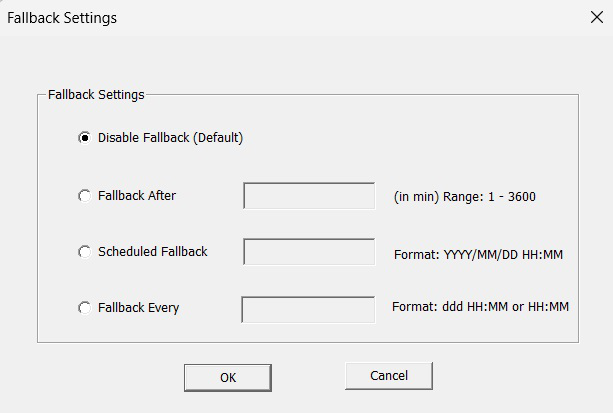
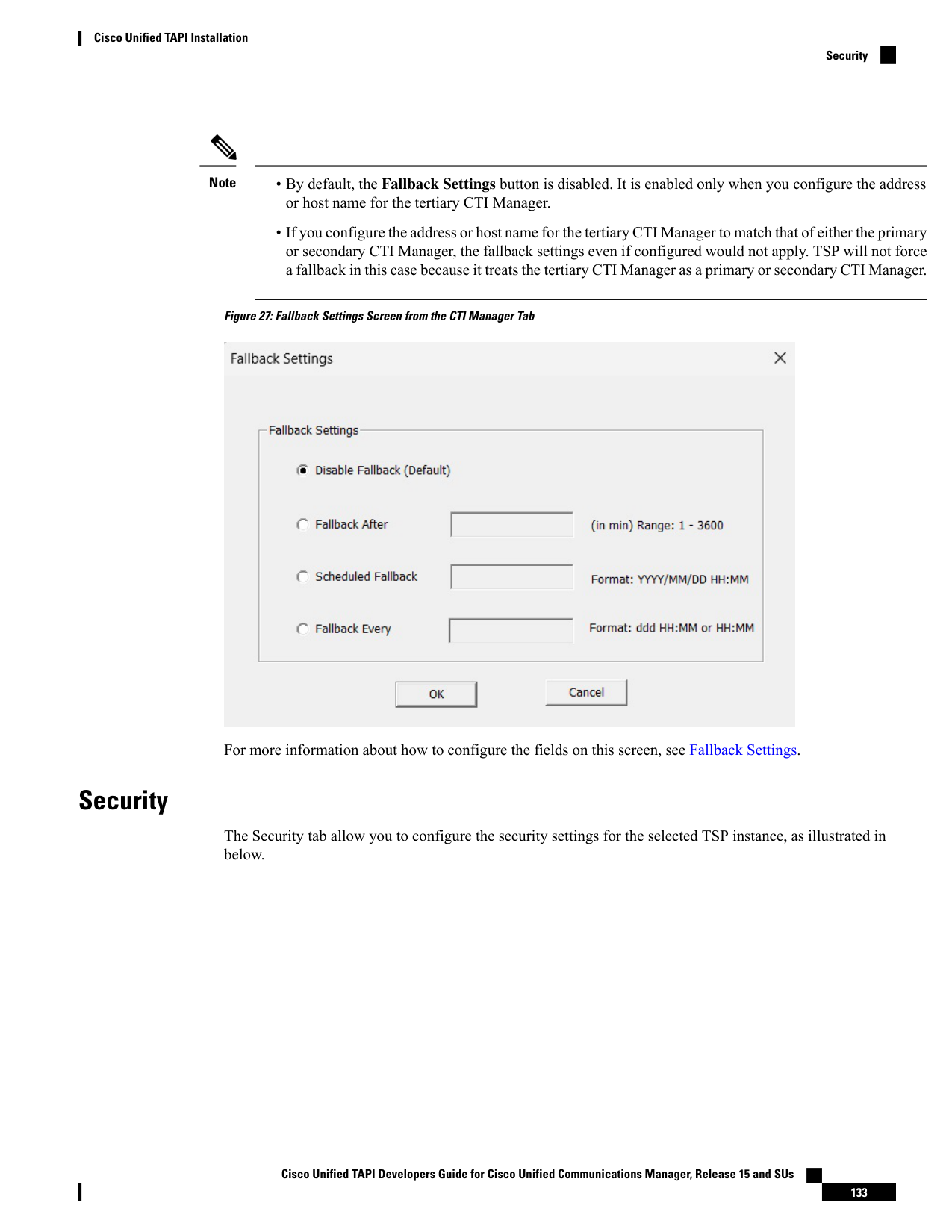
↗ View in doc context• By default, the Fallback Settings button is disabled. It is enabled only when you configure the address or host name for the tertiary CTI Manager. • If you configure the address or host name for the tertiary CTI Manager to match that of either the primary or secondary CTI Manager, the fallback settings even if configured would not apply. TSP will not force a fallback in this case because it treats the tertiary CTI Manager as a primary or secondary CTI Manager. Note Figure 27: Fallback Settings Screen from the CTI Manager Tab For more information about how to configure the fields on this screen, see Fallback Settings. Security The Security tab allow you to configure the security settings for the selected TSP instance, as illustrated in below. Cisco Unified TAPI Developers Guide for Cisco Unified Communications Manager, Release 15 and SUs 133 Cisco Unified TAPI Installation Security