McDewey
Multi-vendor documentation library · semantic search · MCP endpoint at
/mcpPage 12
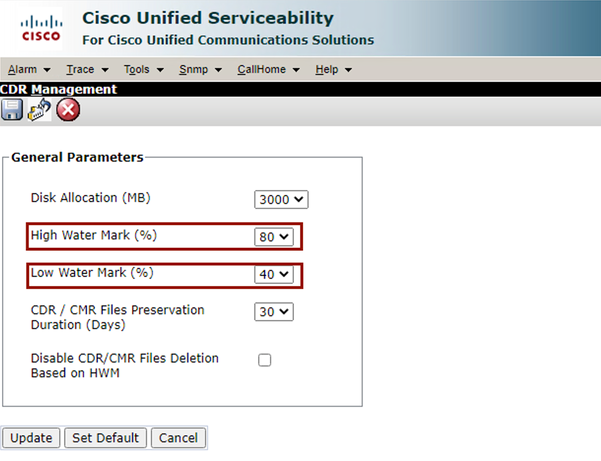
↗ View in doc contextCDR Management Modify General Parameters Screen Purge CDR Analysis and Reporting (CAR) Database If CAR Database is using a lot of space, you can perform the purge of the database and release logging space. To do this: Access to CAR web page, navigate to Cisco Unified Serviceability > Tools > CDR Analysis and Reporting. 1. Disable loader, navigate to System > Scheduler > CDR Load, check the Disable Loader check box and click the Update. 2.