McDewey
/mcpPage 10
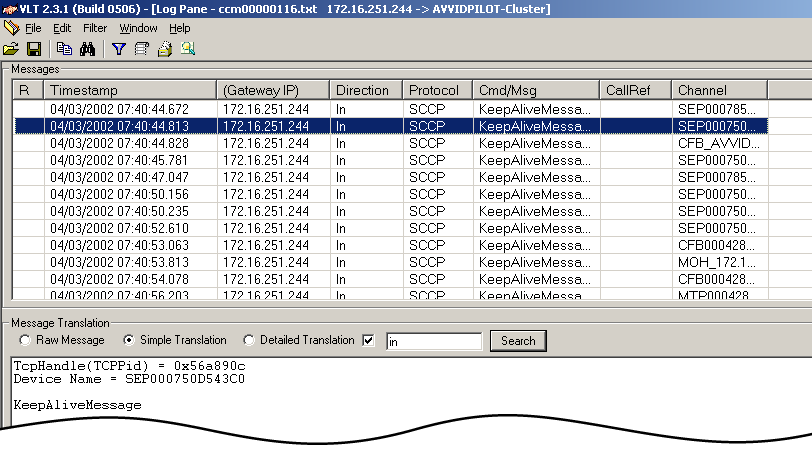
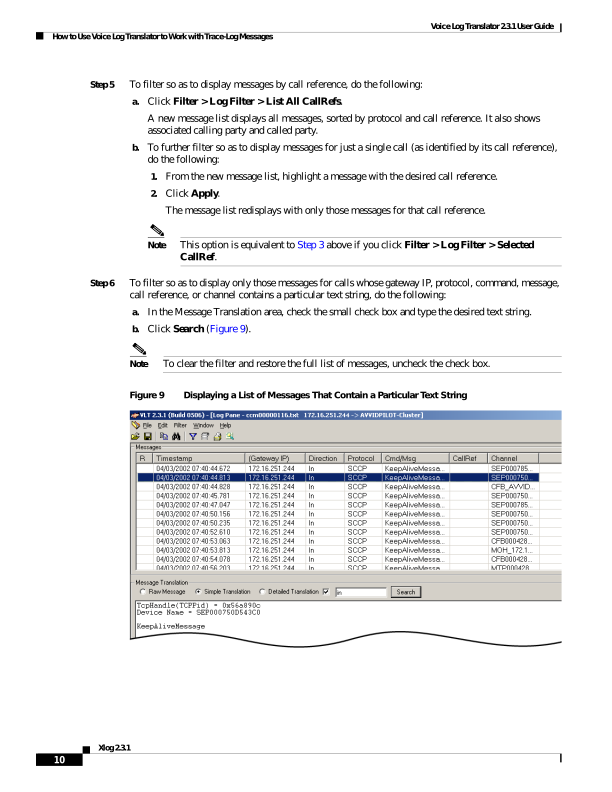
↗ View in doc contextVoice Log Translator 2.3.1 User Guide How to Use Voice Log Translator to Work with Trace-Log Messages 10 Xlog 2.3.1 Step 5 To filter so as to display messages by call reference, do the following: a. Click Filter > Log Filter > List All CallRefs. A new message list displays all messages, sorted by protocol and call reference. It also shows associated calling party and called party. b. To further filter so as to display messages for just a single call (as identified by its call reference), do the following: 1. From the new message list, highlight a message with the desired call reference. 2. Click Apply. The message list redisplays with only those messages for that call reference. Note This option is equivalent to Step 3 above if you click Filter > Log Filter > Selected CallRef. Step 6 To filter so as to display only those messages for calls whose gateway IP, protocol, command, message, call reference, or channel contains a particular text string, do the following: a. In the Message Translation area, check the small check box and type the desired text string. b. Click Search (Figure 9). Note To clear the filter and restore the full list of messages, uncheck the check box. Figure 9 Displaying a List of Messages That Contain a Particular Text String